SplitTrain
About
SplitTrain is a challenging reaction mini-game inspired by "Densha de Go!".
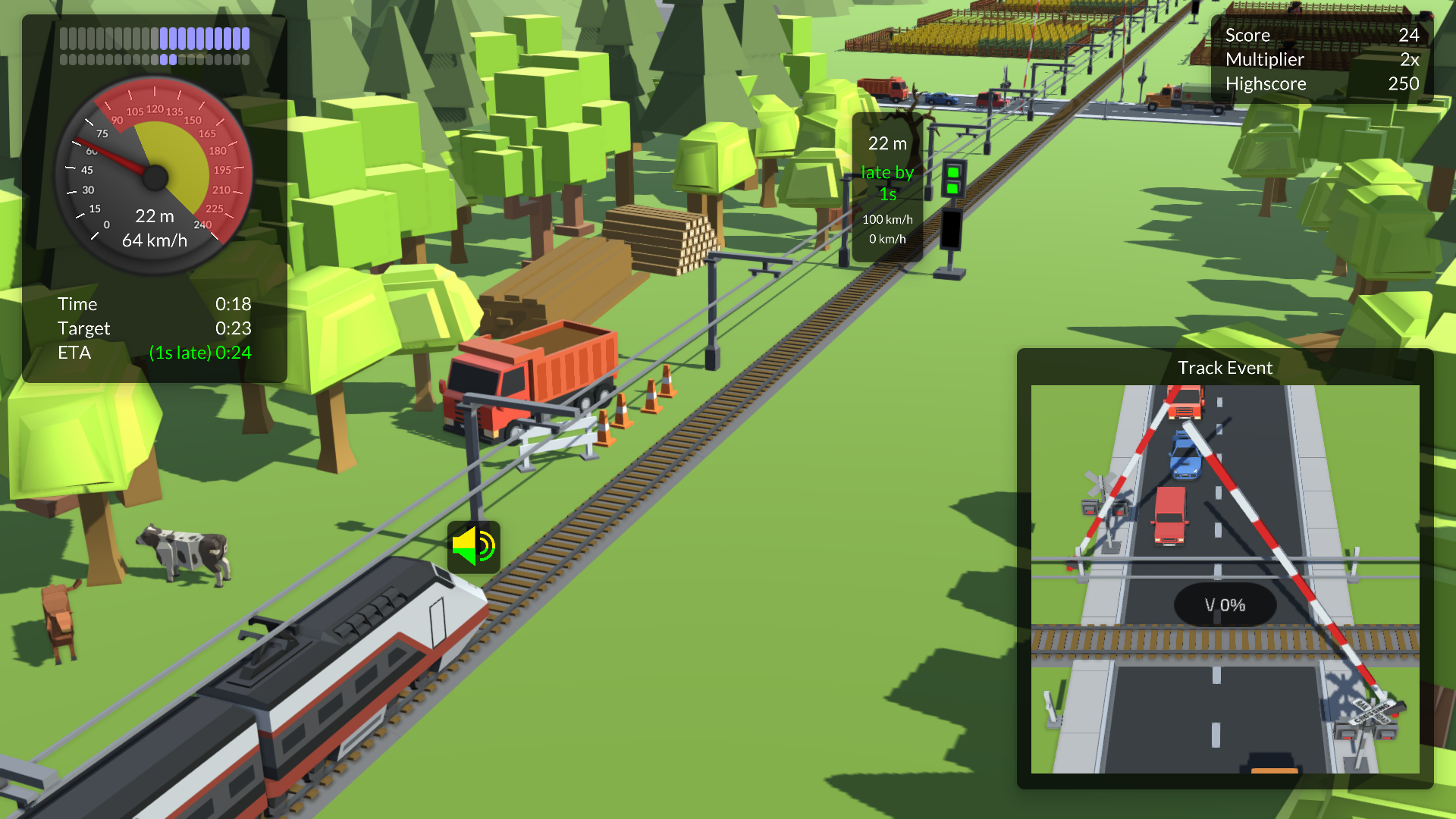
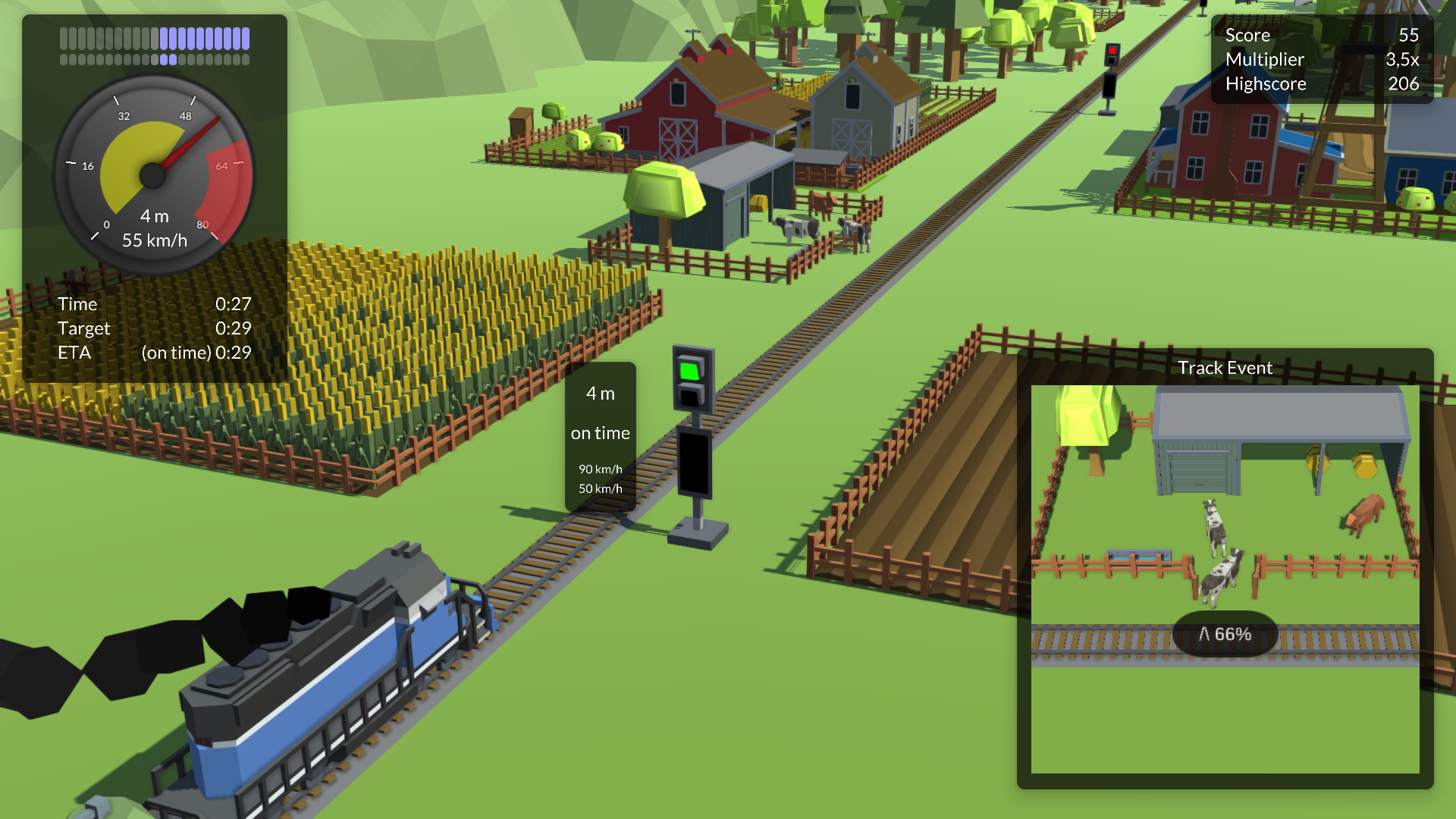
Drive a train, try to be on time and simultaneously remove obstacles from the track and sound the horn when necessary.
How to play
A basic tutorial is included in the first level (can be deactivated in the options menu), but reading this section is advised.
Score points:
As long as you drive the train within the upper and lower speed limits, points will be added.
A higher multipler will add more points, to increase it
- pass track signals at the correct time
- complete track events before the train passes them
- sound the horn right after P-signs
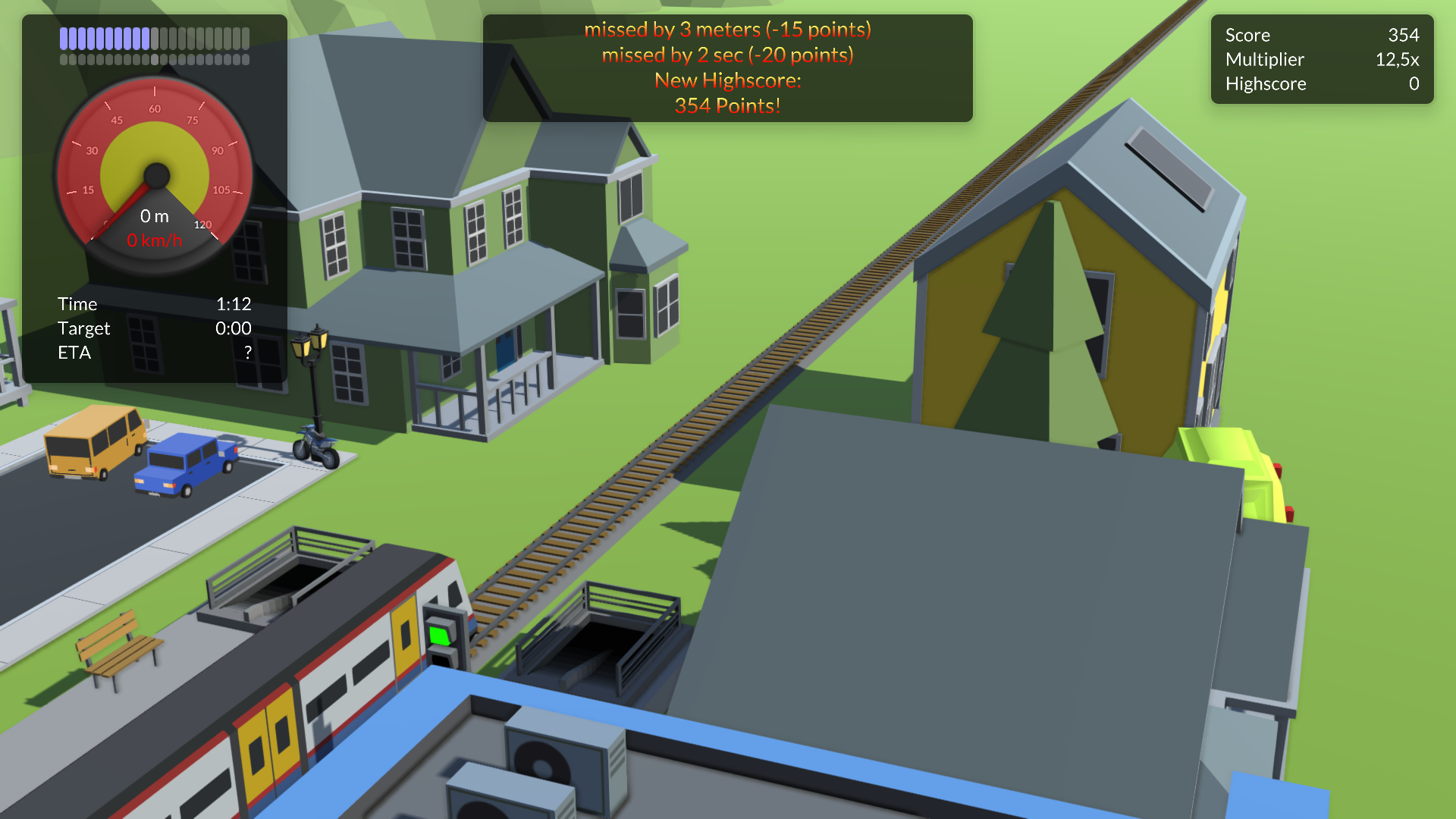
Stop the train at the terminal station within +/-10 meters to complete the level. Missing by some distance or time will deduct points.
Controls:
- Use A/D or left/right arrow keys to increase/decrease power and braking
- Use W/S or up/down arrow keys for neutral, full power or full brakes
- Hold any Shift to control track events (bottom right camera) and use W/S or up/down arrow keys to complete the track events
Note that you cannot control track events and the train at the same time! - Hold any Crtl or Space to sound the horn right after passing a "P-sign"
- Press ESC to open the escape menu
Localization
The game is currently available in German and English. The language can be changed on the start screen of the game.
Level editor
There is an in-game level editor in the downloadable version, so everybody can create new levels!
If you created a new level, let me know! I would love to add user-made levels to future releases!
The built-inlevels are stored as JSON files in the game directory under
SplitTrain_Data\Resources\Levels
Since Version 1.2 user-made levels will be stored under
%userprofile%\AppData\LocalLow\tom_io\SplitTrain
Find out more about the level editor:
https://tom.io/splittrain/
Further development
SplitTrain is a spare time project. It is finshed in terms of mechanics, but I hope, I can add new levels in the future and further improving the in-game level editor is also on my todo list!
Thank you all for requesting a Mac or Web version. I don´t have access to a Mac at the moment for testing, but I plan on releasing a Web version some time in the future. This is a bit more complicated as I have to change how level files are stored, so it may take some time.
You can find the changelog here: https://tom.io/splittrain/
Known issues
On some multiscreen systems the game can start on the wrong screen. In that case press ALT+Enter to switch to windowed mode, then move the window to the desired screen and press ALT+Enter again!
Feedback / Get in touch
If you found a bug, have questions or suggestions, please get in touch and send me an email: https://tom.io/kontakt
Of course I am happy to receive any feedback, so please leave a comment!
Download
Development log
- SplitTrain now playable in browser!16 days ago
- Another small update74 days ago
- SplitTrain 1.2 released!May 18, 2026
- A very small updateOct 03, 2025
- SplitTrain 1.1 released!Apr 06, 2024
- New 3D assets, physics and visual effectsApr 14, 2019
- SplitTrain is now in betaJan 12, 2019

Comments
Log in with itch.io to leave a comment.
mac or web support?
I will be happy put it on my to-do list!
I love this thing!
One quirk i find is that at larger distances (for example 800) i placed a crossing and it appears to lose precision and start z-fighting. The UI for the horn right before that crossing is also jumpy because of the lost precision. Perhaps build the game in a double precision export?
Also to add a new level i have to go to the files and duplicate a level instead of clicking a button. That would be a nice addition :)
Since it's that easy to add new levels, why not make two main tabs: official levels and extra? The official levels are the first three and all the other ones you figure out are high quality, and the extra levels are just for additional content so people can have more to play with.
My custom level was attempting to be a bit longer, ending at 1200 and the point was to see a different behavior of your mechanics: speed. Maybe one of your levels can force the player to go really fast?
Glad to hear you like it! :)
And thanks very much for the feedback! I don´t have too much time for my spare time projects at the moment, but I think revisiting the level editor at some point is a must, because the low level count does hold the game back a lot - and I would love to see some user generated content! :)